
A practical look at Astro-Seek, Cafe Astrology, Astro.com, and Astrolabe, with the order I would actually use for chart data and interpretation.
2026/05/11
A free birth chart calculator sounds simple until you actually need one. You enter a date, time, and place, and suddenly the site is making a lot of choices for you: location lookup, house system, unknown birth time, chart layout, interpretation, and how much it expects you to already know.
That is why I would not pick a calculator only by how much text it gives back. A good free birth chart tool should either make the chart clear, explain the chart well, or stay honest when the data is incomplete.
The five free tools on my shortlist are Astro-Seek, Cafe Astrology, Astrodienst, Astrolabe, and CAZIMI. They cover different needs, from detailed chart data to an introductory reading.
If you want the chart first, I would start with Astro-Seek. If you are new and need the placements explained in plain language, start with Cafe Astrology. If you want the old astrology portal with deeper tools behind the front door, use Astro.com. If you need a plain backup report, Astrolabe still does the job.
That is my real order. It changes only if the user hates dense pages, needs interpretation first, or already knows exactly which advanced settings they want.
I looked at the parts that usually cause friction: birth data entry, unknown birth time, chart readability, how quickly the page gives a usable result, whether the interpretation is beginner-friendly, and whether the advanced options are visible without turning the page into a maze.
No calculator is perfect. The best one depends on whether you want a chart to inspect or a report to read.
Astro-Seek is where I would start for chart data. The birth chart page is dense, but the density has a point. It gives you the wheel, tables, house settings, aspect information, and many side doors into other calculations.
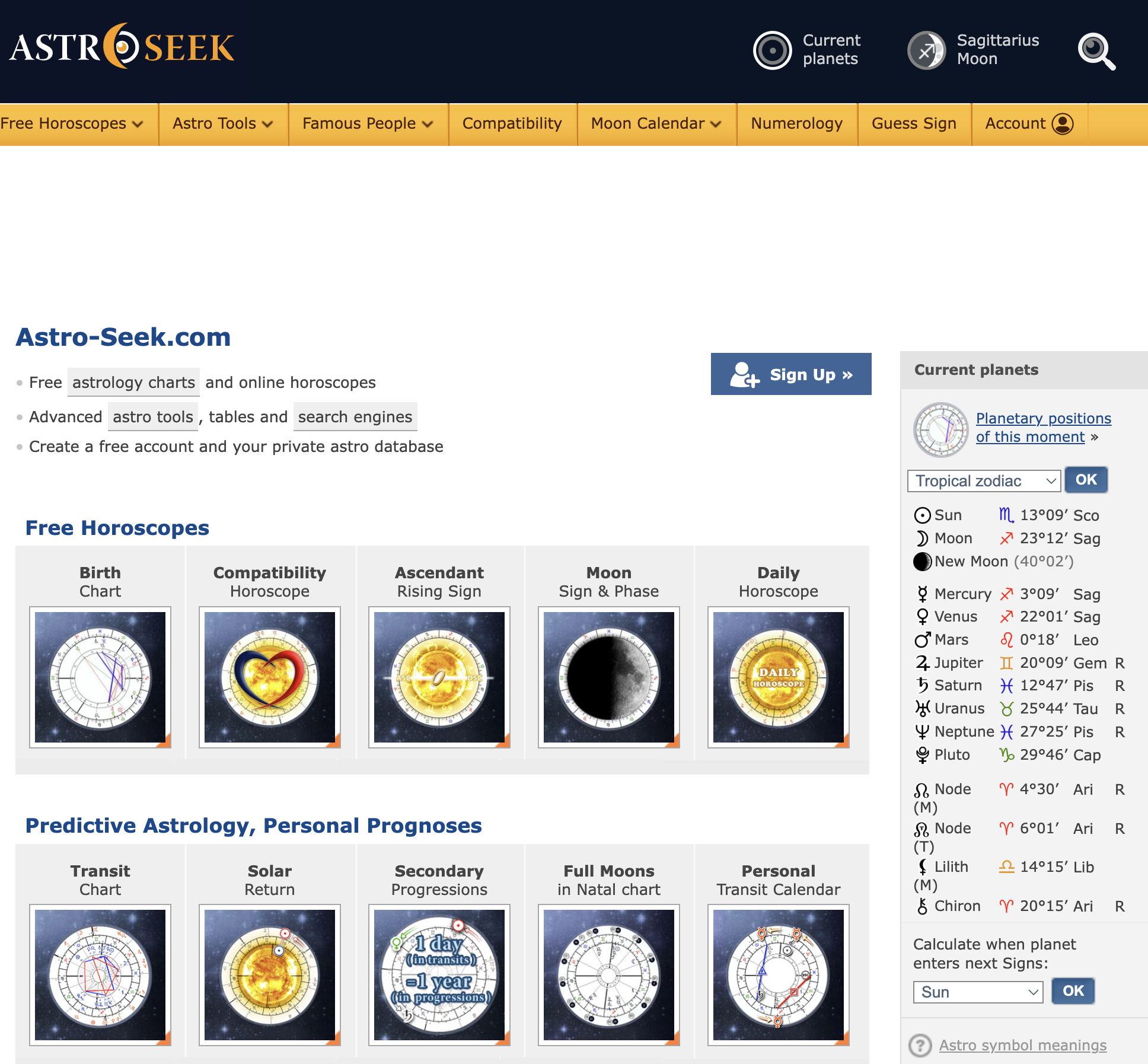
The screenshot tells the truth about the product. Astro-Seek is not trying to calm you down. It puts the chart room in front of you and lets you look around.
That is excellent if you want control. It is less ideal if this is your first chart and you mainly want someone to explain what Sun, Moon, Ascendant, houses, and aspects mean.
Cafe Astrology is the one I would send to someone who wants a free natal chart report without feeling like they have walked into a technical archive. The page is wordier, but the words are doing a job.
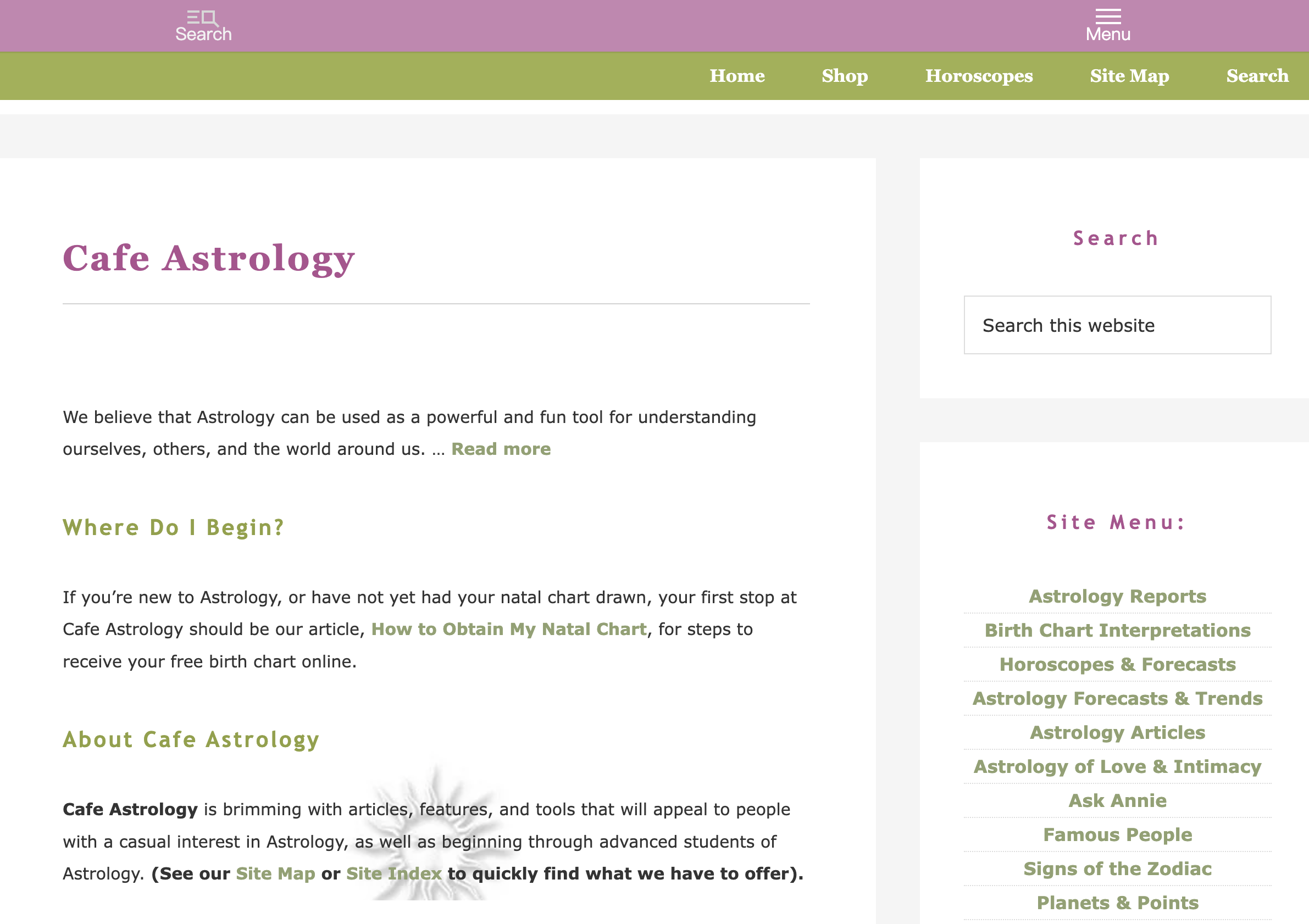
The report style is not as clean as a modern app. It can feel old and a bit crowded. Still, it gives beginners something to read right away, which matters more than polish in this case.
I would not use it as my main technical charting workspace. I would use it when interpretation is the first need.
CAZIMI puts a short reading and the big three beside its chart wheel. I entered fictional details for October 8, 1992 at 2:30 p.m. in New York and got a chart showing Sun in Libra, Moon in Pisces and Capricorn rising, without creating an account. Each of those three placements opens a full written interpretation. The result also groups readings around needs, relationships, work, gifts and challenges, with buttons linking each reading to its placements.
The Astrologer’s view button opens the planetary degrees, twelve houses and aspects with their orbs. CAZIMI uses the tropical zodiac and whole sign houses. I could open a reading, check the placement it cited, then return to the full table.
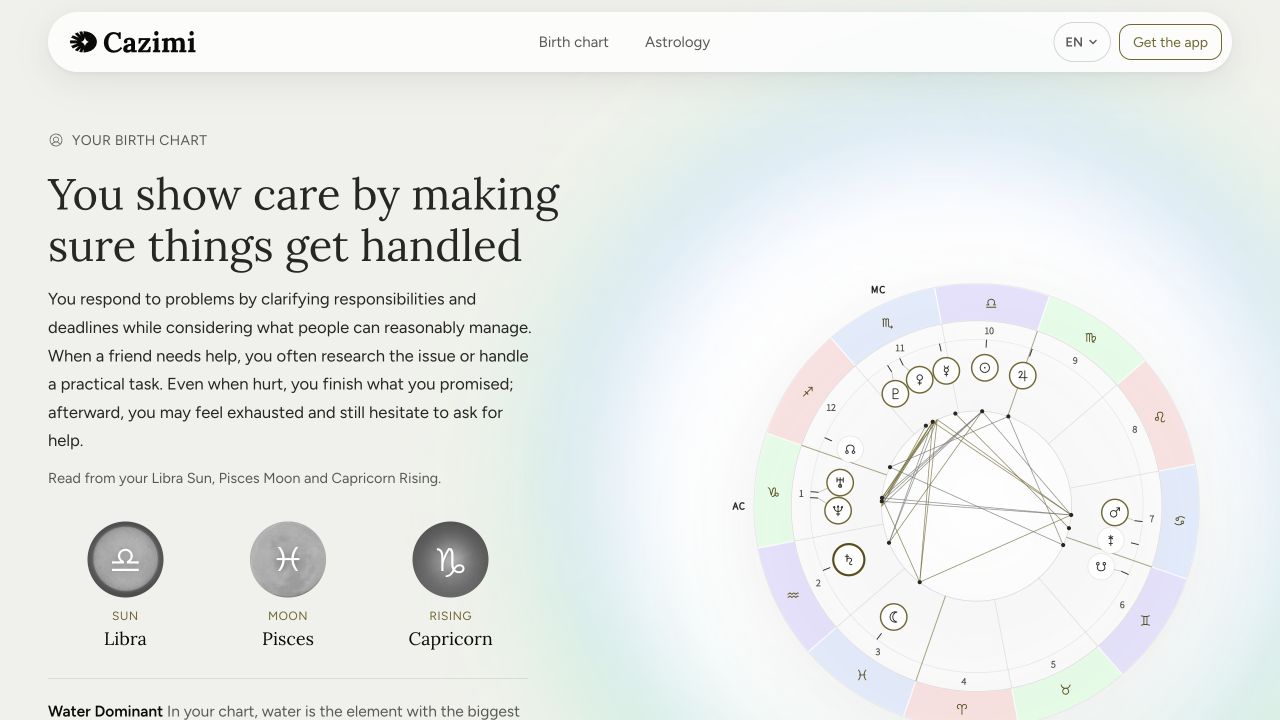
CAZIMI’s browser result for fictional birth details.
Other planet readings show an opening and direct you to the app for the rest. Choosing an unknown birth time substitutes noon and labels the rising sign and houses as estimates, while still drawing a provisional wheel. That setting cannot establish your actual rising sign or houses.
Astrodienst, or Astro.com, has a slower front door. The site can feel like an older library where the good material is there, but the signage asks for patience.
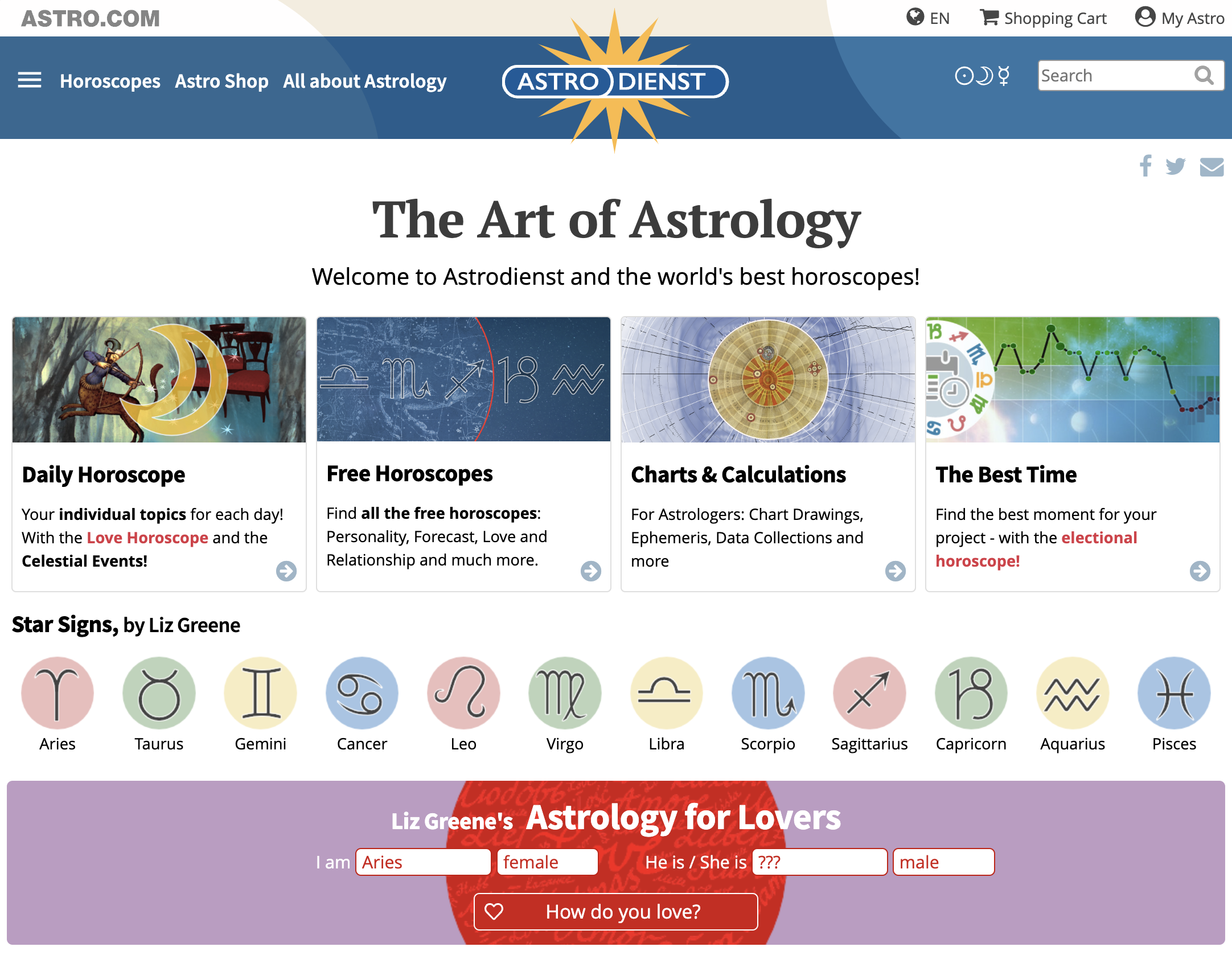
That is also why I keep it in the list. Astro.com is not only a quick birth chart page. It is a broader astrology portal, and the chart tools still carry weight for people who want more than a first report.
For a beginner in a hurry, I would not start here. For someone who is willing to learn the site, it remains useful.
Astrolabe is the spare option. The free chart page looks severe compared with newer tools, and that can make it easy to overlook.
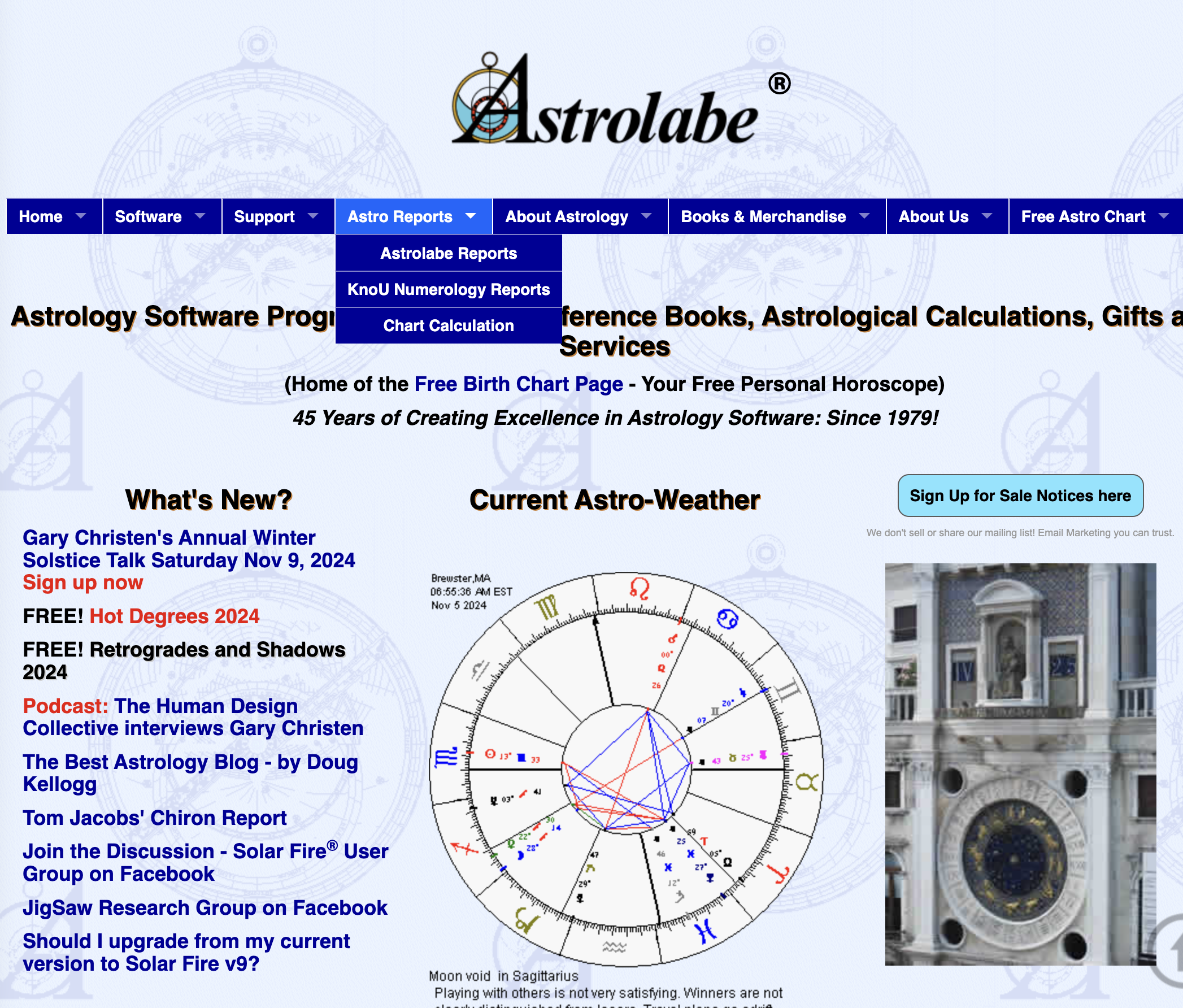
But plain has an upside. If you want a quick chart report and do not need a modern interface, Astrolabe is still serviceable. I would not make it my first recommendation, but I would keep it as a backup.
Before trying to reconstruct a birth time, check family or hospital records and use the calculator’s unknown-time setting while the time is uncertain. Rectification compares possible birth times with significant life events, such as a marriage, a move or a career change.
Cosmic Birthtime offers a paid birth-time rectification service. You supply birth details, a possible time window and dated life events. Its AI system, The Oracle, proposes a likely time and provides a PDF explaining the reasoning.
The service recommends a starting window of two hours or less. Its accuracy guidance says that neither AI nor an astrologer can guarantee the exact minute. A new chart made with the proposed time still rests on an estimate.
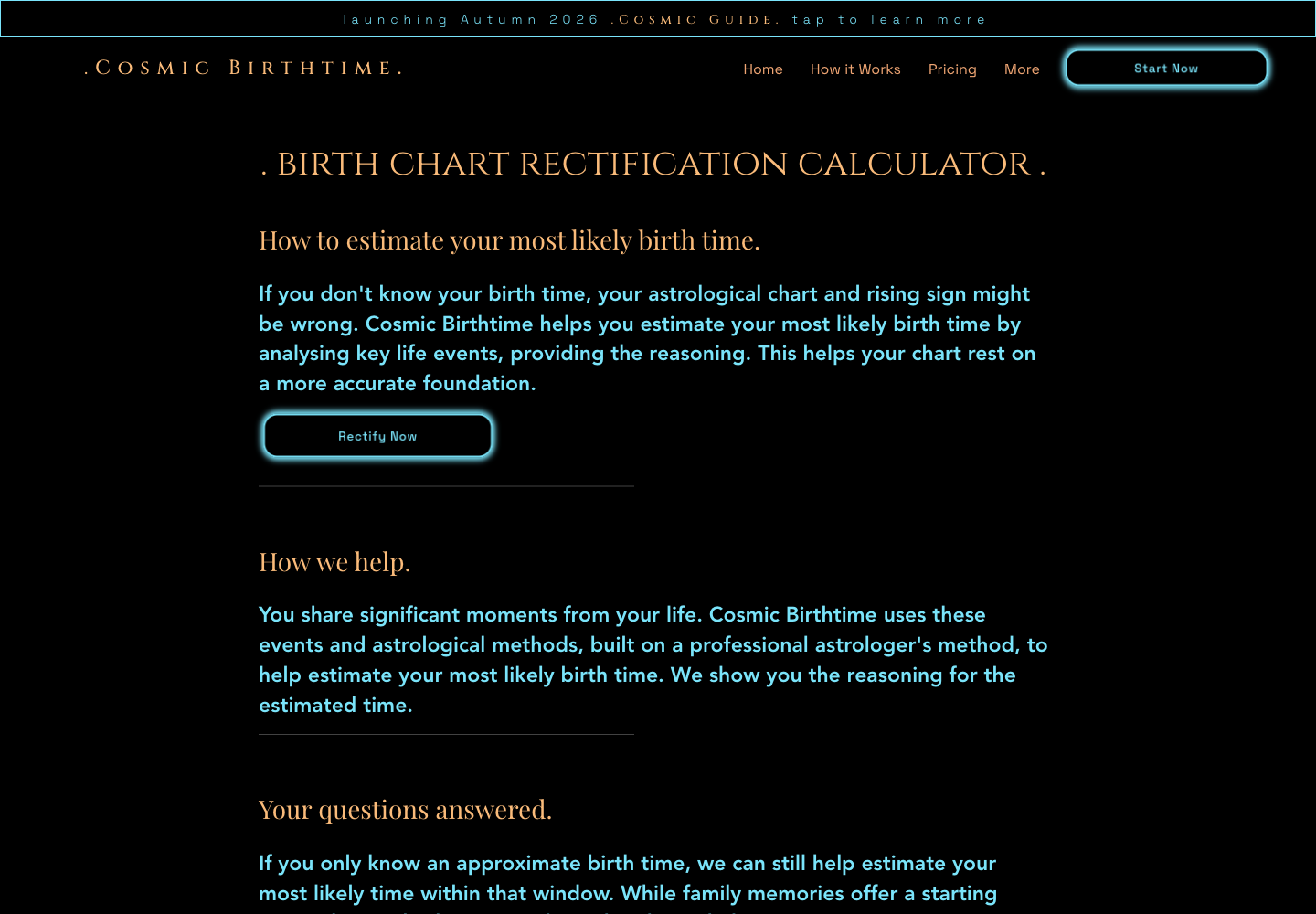
Cosmic Birthtime’s birth-time estimation page.
For most people, I would use Astro-Seek first for the chart, Cafe Astrology second for explanation, Astro.com later when the user wants a broader astrology workspace, and Astrolabe when a simple spare report is enough. CAZIMI is another starting point for readers who want a guided introduction to the big three, with chart tables one button away.
That order is not about which site looks newest. It is about which site answers the first practical need with the least confusion.
Astro-Seek birth chart calculator
Cafe Astrology free natal chart report